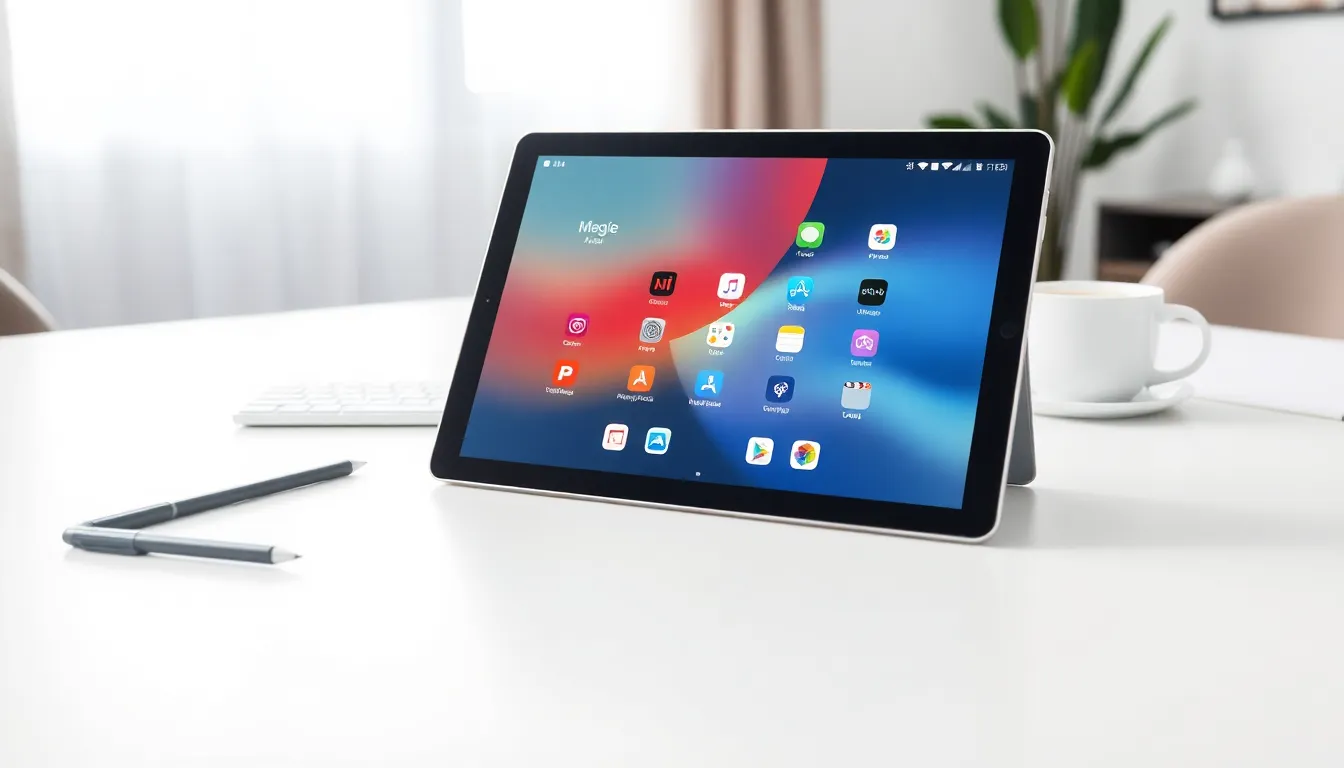
What is a tablet? A tablet is a portable computing device with a touchscreen display, sitting between smartphones and laptops in size and capability. These devices have transformed how people consume media, work remotely, and stay connected on the go.
Tablets offer a unique blend of portability and functionality. They’re light enough to carry anywhere yet powerful enough to handle productivity tasks, gaming, and entertainment. Whether someone needs a device for reading e-books, attending video calls, or sketching digital art, tablets provide a versatile solution.
This guide covers everything readers need to know about tablet devices, from core features and specifications to the different types available and how they compare to other devices.
Table of Contents
ToggleKey Takeaways
- A tablet is a portable touchscreen device that sits between smartphones and laptops in size, offering a balance of portability and functionality.
- Tablets run on three main operating systems: iPadOS, Android, and Windows, each determining app compatibility and device integration.
- Key tablet specifications to consider include display resolution, processor speed, RAM, storage capacity, and battery life (typically 8–12 hours).
- Tablet types range from budget options under $100 to premium models over $800 that can replace laptops for many users.
- Tablets excel at entertainment, productivity, education, travel, and smart home control, making them versatile devices for personal and professional use.
- Choosing between a tablet, laptop, or smartphone depends on your priorities—tablets offer the best balance of screen size, portability, and battery life for media consumption and light work.
Understanding Tablet Computers
A tablet computer is a flat, portable device powered by a rechargeable battery. It uses a touchscreen as its primary input method, though many tablets also support styluses and external keyboards.
The modern tablet emerged in 2010 when Apple launched the iPad. Since then, the tablet market has expanded significantly. Companies like Samsung, Microsoft, Amazon, and Lenovo now produce tablets for various needs and budgets.
Tablets run on mobile operating systems. The three main options include:
- iPadOS – Apple’s operating system for iPads
- Android – Google’s open-source system used by Samsung, Lenovo, and others
- Windows – Microsoft’s desktop OS adapted for tablet devices
These operating systems determine which apps a tablet can run and how it integrates with other devices. Someone already using an iPhone will find an iPad works smoothly with their existing Apple ecosystem. Android users might prefer a Samsung Galaxy Tab for similar reasons.
Tablets typically range from 7 inches to 13 inches in screen size. This makes them larger than smartphones but more portable than laptops. The form factor allows for comfortable one-handed use with smaller models or two-handed use with larger screens.
Key Features and Specifications
When shopping for a tablet, several specifications matter most. Understanding these features helps buyers choose the right tablet for their needs.
Display
The display is a tablet’s most important feature. Screen resolution determines image sharpness, measured in pixels. Higher resolution means clearer text and more detailed images. Most modern tablets offer at least 1920 x 1080 pixels (Full HD), while premium models reach 2732 x 2048 pixels or higher.
Display technology also varies. LCD screens are common and affordable. OLED and AMOLED displays offer deeper blacks and more vibrant colors but cost more.
Processor and RAM
The processor (CPU) controls how fast a tablet performs tasks. Apple’s M-series chips and Qualcomm’s Snapdragon processors power most high-end tablets. Budget tablets use less powerful chips that handle basic tasks well.
RAM (Random Access Memory) affects multitasking ability. Tablets with 4GB RAM handle everyday tasks. Those with 8GB or more RAM run demanding apps and multiple programs simultaneously.
Storage
Tablets offer internal storage ranging from 32GB to 1TB or more. Users who store many apps, photos, and videos need more storage. Some tablets include microSD card slots for expandable storage, a feature iPhones and iPads lack.
Battery Life
Most tablets provide 8 to 12 hours of battery life on a single charge. This allows all-day use without finding an outlet. Battery capacity is measured in milliamp-hours (mAh), with larger numbers generally meaning longer battery life.
Connectivity
Tablets connect to the internet via Wi-Fi. Some models also offer cellular connectivity (4G LTE or 5G), letting users access the internet anywhere with cell service. Cellular tablets cost more and require a data plan.
Types of Tablets Available Today
The tablet market offers several distinct categories. Each type serves different users and use cases.
Standard Tablets
Standard tablets focus on media consumption and casual use. The base iPad and Samsung Galaxy Tab A series fall into this category. They’re affordable, lightweight, and handle streaming, browsing, and basic productivity well. Prices typically range from $200 to $500.
Premium Tablets
Premium tablets offer top-tier performance and displays. The iPad Pro, Samsung Galaxy Tab S series, and Microsoft Surface Pro lead this segment. These tablets feature fast processors, high-resolution screens, and support for accessories like keyboards and styluses. They can replace laptops for many users. Expect to pay $800 to $2,000 or more.
Budget Tablets
Budget tablets provide basic functionality at low prices. Amazon’s Fire tablets are the most popular option, starting under $100. These tablets work well for reading, streaming video, and light web browsing. They sacrifice processing power and display quality to hit lower price points.
Kids’ Tablets
Kids’ tablets come with parental controls and durable cases built in. Amazon Fire Kids tablets and Samsung Galaxy Tab Kids editions include age-appropriate content and screen time management tools. Their rugged designs survive drops and spills.
E-Readers
While not traditional tablets, e-readers like the Amazon Kindle deserve mention. They use e-ink displays optimized for reading text. E-ink reduces eye strain and works in direct sunlight. But, e-readers can’t run most tablet apps.
Common Uses for Tablets
Tablets serve many purposes across personal and professional settings. Their versatility explains their lasting popularity.
Entertainment and Media
Tablets excel at streaming video, playing games, and reading. Their large screens make watching Netflix or YouTube more enjoyable than on a phone. Gaming on tablets offers a bigger display and better speakers than smartphones provide.
Productivity and Work
Many professionals use tablets for email, document editing, and video conferencing. With a keyboard attachment, a tablet becomes a lightweight laptop alternative. Creative professionals use tablets with styluses for digital illustration, photo editing, and note-taking.
Education
Schools increasingly adopt tablets as learning tools. Students use them for reading textbooks, completing assignments, and accessing educational apps. The touchscreen interface feels intuitive for younger learners.
Travel and Portability
Tablets make ideal travel companions. They’re lighter than laptops but offer bigger screens than phones for entertainment during flights or road trips. Downloading movies and books before traveling solves the problem of limited in-flight Wi-Fi.
Home Automation
Tablets work as smart home control centers. Wall-mounted tablets can control lights, thermostats, security cameras, and other connected devices. Some families use tablets as digital photo frames when not actively in use.
Tablets vs. Laptops and Smartphones
Choosing between a tablet, laptop, or smartphone depends on intended use. Each device type has strengths and limitations.
Tablets vs. Smartphones
Tablets offer larger screens, making them better for media consumption, reading, and productivity tasks. Smartphones provide constant connectivity and fit in a pocket. Most people own both, a phone for daily communication and a tablet for activities requiring more screen space.
Tablets vs. Laptops
Laptops remain superior for intensive work. They offer more powerful processors, larger storage, and full desktop software. Typing on a laptop keyboard is faster and more comfortable than a tablet’s on-screen keyboard.
But, tablets weigh less and have better battery life. They start instantly without waiting for boot-up. For content consumption, casual browsing, and light work, tablets often prove more convenient than laptops.
The Hybrid Approach
Some tablets blur the line between categories. The Microsoft Surface Pro runs full Windows and works with desktop applications. The iPad Pro with Magic Keyboard functions similarly to a laptop. These devices offer flexibility but cost as much as traditional laptops.
The right choice depends on priorities. Someone who writes documents all day needs a laptop. Someone who mainly streams video and reads might find a tablet perfect. Many users own multiple devices and choose based on the task at hand.