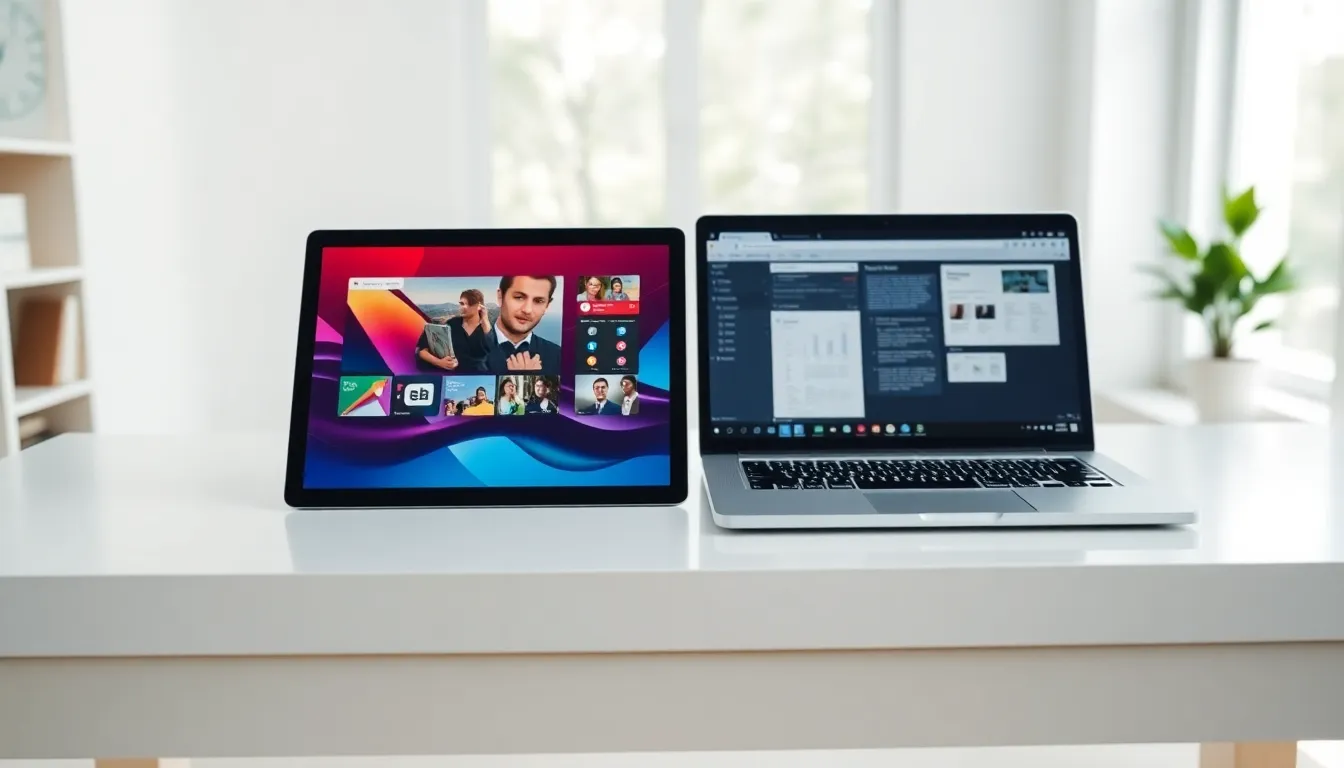
Tablets vs laptops remains one of the most common debates for anyone shopping for a new device. Both options offer distinct advantages, and the right choice depends on how someone plans to use their device daily. A tablet excels at media consumption and casual browsing. A laptop delivers more power for productivity tasks. This guide breaks down the key differences between tablets and laptops, helping readers make an well-informed choice based on their actual needs.
Table of Contents
ToggleKey Takeaways
- Tablets vs laptops comes down to your primary use—tablets excel at media consumption while laptops deliver superior productivity power.
- Laptops offer more processing power, RAM, and storage, making them better suited for demanding tasks like video editing and software development.
- Tablets win on portability and battery life, often lasting 10–12 hours and weighing under 1.5 pounds for easy travel.
- Professional software availability remains limited on tablets, as many enterprise and creative applications only run fully on laptop operating systems.
- Budget-conscious buyers can expect capable tablets at $300–$500, while comparable laptops typically cost $500–$800.
- Consider a hybrid approach—use a tablet for casual daily tasks and a laptop for intensive work to get the best of both worlds.
Key Differences Between Tablets and Laptops
The tablets vs laptops comparison starts with understanding what sets these devices apart. Tablets feature touchscreens as their primary input method. Users tap, swipe, and pinch to interact with apps and content. Laptops rely on physical keyboards and trackpads, which many people prefer for typing-heavy work.
Form factor creates another major distinction. Tablets are thin, lightweight slabs, usually under 1.5 pounds. Laptops include built-in keyboards that add bulk but also add functionality. Most laptops weigh between 2.5 and 5 pounds.
Operating systems differ as well. Tablets typically run iOS (iPad) or Android, both designed for touch-first experiences. Laptops run Windows, macOS, or ChromeOS, which support a wider range of professional software.
Storage capacity favors laptops in most cases. Budget tablets often start at 64GB, while laptops commonly offer 256GB to 1TB or more. This matters for users who store large files locally.
Connectivity options also vary. Laptops generally include multiple USB ports, HDMI outputs, and SD card slots. Tablets usually offer one USB-C port, requiring adapters for additional connections.
Performance and Processing Power
Performance separates tablets vs laptops more than almost any other factor. Laptops house larger processors with better cooling systems. This allows them to handle demanding tasks like video editing, software development, and 3D rendering.
Tablets use mobile processors designed for efficiency rather than raw power. The Apple M-series chips in iPad Pro models have closed this gap significantly. Still, most tablets struggle with intensive workloads that laptops handle easily.
RAM tells a similar story. Entry-level tablets ship with 4GB to 6GB of RAM. Most laptops start at 8GB and can be configured with 16GB, 32GB, or more. More RAM means better multitasking and smoother performance with memory-hungry applications.
Graphics performance also differs substantially. Laptops can include dedicated graphics cards for gaming, video production, and design work. Tablets rely on integrated graphics, which work fine for casual games and streaming but fall short for professional creative tasks.
Software availability creates practical limitations. Many professional applications, like full Adobe Creative Suite programs, engineering software, and enterprise tools, only run on laptop operating systems. Tablet versions of these apps, when they exist, often have reduced features.
Portability and Battery Life
Portability is where tablets shine in the tablets vs laptops debate. A standard tablet slips into a purse, backpack, or briefcase without adding noticeable weight. Taking notes in meetings, reading on the couch, or browsing during travel becomes effortless.
Laptops offer portability too, but with trade-offs. Ultrabooks weigh as little as 2 pounds, approaching tablet territory. But, opening a laptop on a crowded subway or airplane tray table feels more awkward than using a tablet.
Battery life often favors tablets. Many tablets deliver 10 to 12 hours of use on a single charge. Laptops vary widely, some ultrabooks match tablet endurance, while gaming laptops may only last 3 to 4 hours.
Charging behavior differs as well. Tablets charge through compact USB-C cables, identical to most smartphones. Some laptops still require proprietary power adapters, though USB-C charging has become more common.
The tablets vs laptops comparison for travel comes down to priorities. If someone values maximum portability and all-day battery, tablets win. If they need to accomplish serious work while mobile, laptops provide more capability even though the extra weight.
Best Use Cases for Each Device
Choosing between tablets vs laptops becomes easier when matching devices to specific tasks.
Tablets work best for:
- Media consumption (streaming video, reading ebooks, browsing social media)
- Light note-taking with a stylus
- Casual gaming
- Video calls and virtual meetings
- Children’s education and entertainment
- Quick email checking and web browsing
- Digital art and illustration (especially iPad with Apple Pencil)
Laptops work best for:
- Writing long documents, reports, or articles
- Spreadsheet work and data analysis
- Software development and coding
- Video and photo editing
- Running multiple professional applications simultaneously
- Gaming with demanding graphics
- File management and organization
Some users find a hybrid approach works well. They carry a tablet for daily light tasks and keep a laptop at home or the office for heavier work. Others choose 2-in-1 devices that function as both tablets and laptops, though these often compromise on both experiences.
Budget plays a role too. A capable tablet costs $300 to $500 for most users. A similarly capable laptop typically runs $500 to $800. Premium options in both categories can exceed $1,000 easily.
Students often benefit from laptops for research papers and coursework. Professionals in creative fields may need laptop power. Casual users who mostly consume content find tablets perfectly sufficient.