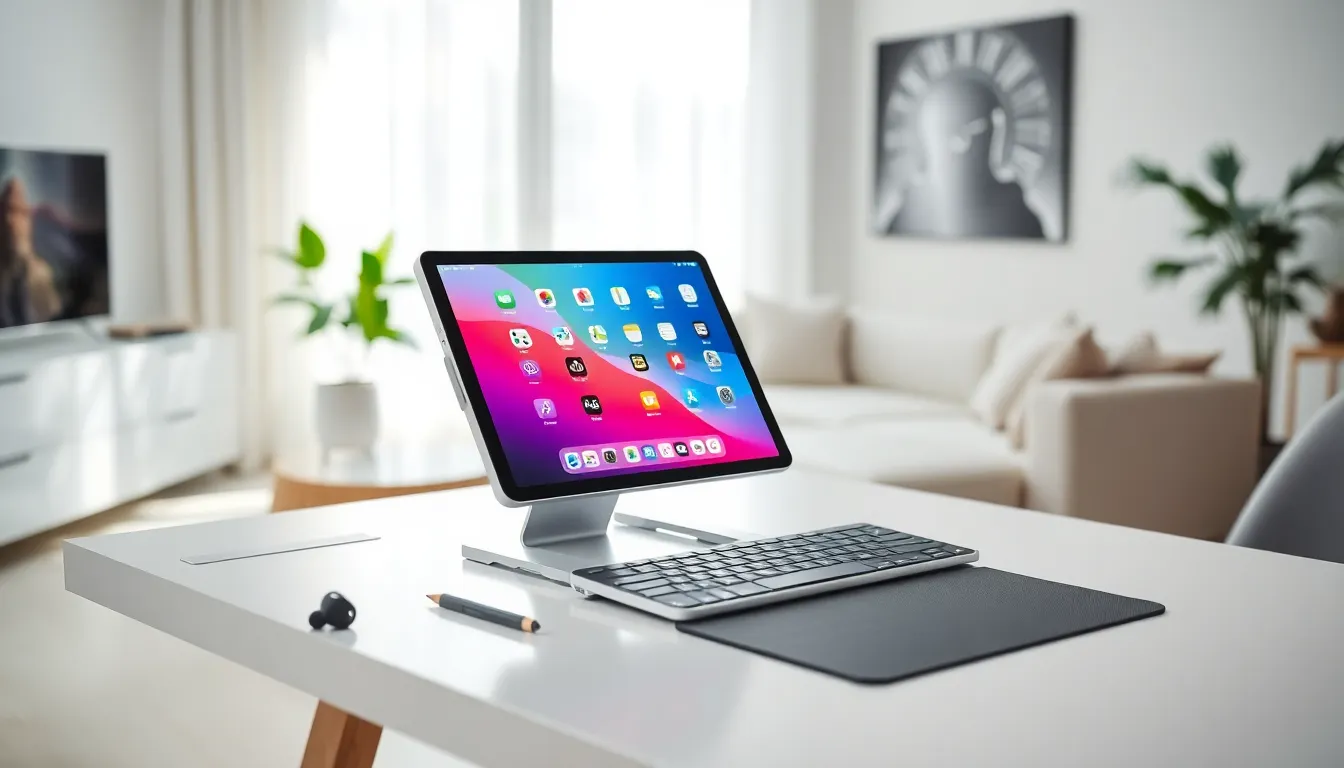
Tablets sit on counters, nightstands, and coffee tables across millions of homes. Yet most people use them for just two things: scrolling social media and watching videos. That’s a waste of serious hardware. Creative tablet ideas can transform these devices into productivity powerhouses, art studios, learning hubs, and smart home command centers.
The average tablet owner uses about 30% of their device’s actual capabilities. This guide covers practical ways to push that number higher. From entertainment setups to digital art workflows, these tablet ideas will help users squeeze every bit of value from their investment.
Table of Contents
ToggleKey Takeaways
- Most tablet owners use only 30% of their device’s capabilities, leaving significant untapped potential for productivity and creativity.
- Tablet ideas for entertainment include replacing bedroom TVs, setting up cloud gaming with Bluetooth controllers, and creating dedicated music listening stations.
- Pairing a Bluetooth keyboard with productivity apps like Microsoft Office or Google Workspace turns tablets into legitimate laptop alternatives.
- Digital artists can create professional-quality work using apps like Procreate alongside pressure-sensitive styluses like the Apple Pencil.
- Mounting a tablet as a smart home hub provides centralized control of lights, thermostats, and cameras accessible to the whole family.
- Educational tablet ideas range from language learning apps like Duolingo to full e-textbook libraries and online course platforms.
Entertainment and Media Consumption
Tablets excel at entertainment. Their portable screens and powerful speakers make them ideal for movies, music, and gaming. But most users stick to basic streaming apps without exploring deeper options.
Streaming Setup Ideas
A tablet can replace a bedroom TV entirely. Mount it on a wall with a magnetic holder or use a stand on a nightstand. Pair it with Bluetooth speakers or headphones for better audio. Apps like Plex let users stream personal media libraries from home computers.
For music lovers, tablets serve as dedicated listening stations. Spotify, Apple Music, and Tidal all offer tablet-optimized interfaces. Add a DAC (digital-to-analog converter) for audiophile-quality sound through wired headphones.
Gaming Beyond Casual
Tablet ideas for gaming go far beyond Candy Crush. Cloud gaming services like Xbox Cloud Gaming and NVIDIA GeForce Now stream console-quality games directly to tablets. Pair a Bluetooth controller, and the tablet becomes a portable gaming console.
Retro gaming works brilliantly too. Emulators can run classic games from older systems. The larger screen and touch controls make tablets perfect for strategy games and RPGs that feel cramped on phones.
Productivity and Work Applications
Tablets can handle real work. The right apps and accessories turn them into legitimate laptop alternatives for many tasks.
Document and Spreadsheet Work
Microsoft Office, Google Workspace, and Apple’s iWork suite all run smoothly on modern tablets. A Bluetooth keyboard transforms the experience. Users can draft reports, build spreadsheets, and create presentations without touching a computer.
Note-taking apps like Notability, GoodNotes, and OneNote shine on tablets. Handwritten notes sync across devices. The ability to annotate PDFs and mark up documents makes tablets valuable for professionals who review contracts or edit drafts.
Communication and Collaboration
Video calls look better on tablets than laptops in many cases. The front-facing cameras often produce cleaner images. Zoom, Microsoft Teams, and Google Meet all work well. Prop the tablet at eye level for the most flattering angle.
Project management apps like Asana, Trello, and Monday.com offer tablet interfaces that display boards and timelines clearly. These tablet ideas help remote workers stay organized without being chained to a desk.
Learning and Education Uses
Education represents one of the strongest use cases for tablets. Students and lifelong learners benefit from features designed specifically for absorbing information.
Language Learning
Apps like Duolingo, Babbel, and Rosetta Stone work better on tablets than phones. The larger screen displays lessons clearly. Speech recognition features help with pronunciation practice. Users can prop up tablets during cooking or exercise for passive learning sessions.
Academic Resources
E-textbooks cost less than physical copies and weigh nothing. Apps like Kindle, Apple Books, and Google Play Books store entire libraries. Highlighting and note-taking features help students study more effectively.
Online course platforms thrive on tablets. Coursera, Udemy, and Skillshare deliver video lectures that look great on tablet screens. Users can take notes on the same device or use split-screen mode to watch and write simultaneously.
Kids’ Educational Content
Parents find excellent tablet ideas for children’s education. Apps like Khan Academy Kids, ABCmouse, and Endless Alphabet teach reading, math, and science through interactive games. Parental controls limit screen time and restrict content access.
Creative Projects and Digital Art
Artists have embraced tablets as serious creative tools. The combination of pressure-sensitive styluses and powerful apps enables professional-quality work.
Digital Drawing and Painting
Procreate dominates iPad art. Android users turn to apps like Infinite Painter and Sketchbook. These programs offer brushes, layers, and effects that rival desktop software. Many professional illustrators now work exclusively on tablets.
A quality stylus matters enormously. The Apple Pencil and Samsung S Pen detect pressure and tilt. This sensitivity allows artists to create natural-looking strokes. Budget styluses work for notes but fall short for serious art.
Photo and Video Editing
Tablet ideas for photographers include mobile editing workflows. Adobe Lightroom and Snapseed handle raw files from cameras. The touch interface makes adjustments intuitive. Photographers can edit on location rather than waiting to return to a computer.
Video editing has arrived on tablets too. LumaFusion, DaVinci Resolve, and CapCut handle multi-track timelines. Content creators produce YouTube videos and social media clips entirely on tablets. The portability allows editing during travel or between shoots.
Smart Home Control and Organization
A dedicated tablet can serve as a household command center. This approach keeps smart home controls accessible without tying up personal phones.
Smart Home Hub
Mount a tablet on a wall or kitchen counter. Apps like Google Home, Apple Home, and Amazon Alexa control lights, thermostats, locks, and cameras from one screen. Family members can adjust settings without needing their own phones.
Some users keep tablets as permanent smart displays. They show weather forecasts, family calendars, and photo slideshows when not actively in use. This turns an older tablet into a useful household fixture.
Family Organization
Shared calendar apps keep everyone on schedule. Cozi, Google Calendar, and Apple Calendar sync across family devices. A kitchen tablet displays the week’s activities at a glance.
Grocery and meal planning apps like AnyList and Mealime reduce food waste. Families can check the shared list while shopping. Recipe apps display step-by-step cooking instructions without dirtying a phone.
These tablet ideas transform the device from a personal gadget into a household tool. The always-visible screen keeps information accessible to everyone in the home.